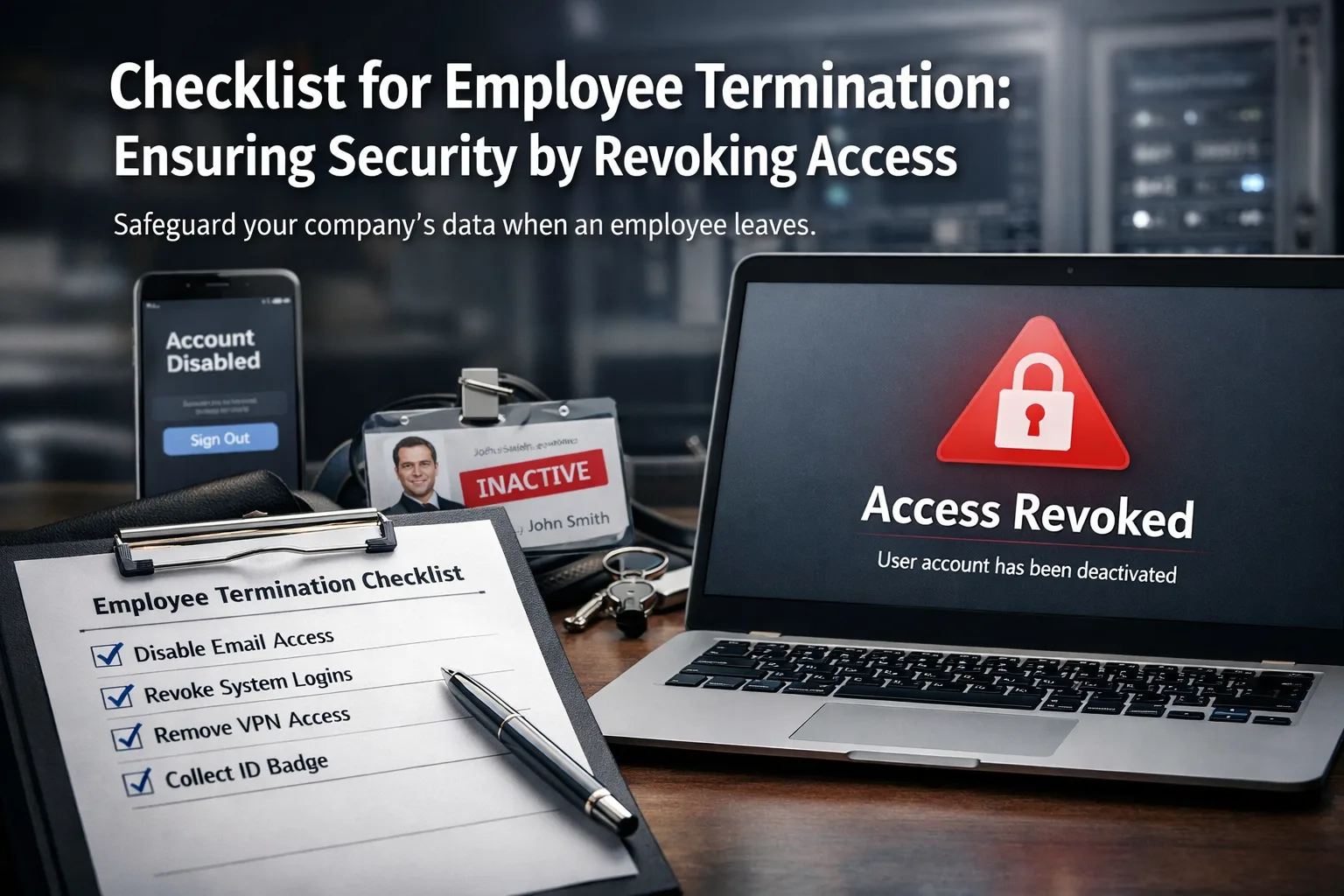
When an employee departs, it's crucial to not only say goodbye but also to ensure the security of your company's information. Often, access to various systems, such as email, CRM platforms, or banking services, remains active even after the employee has left. This can lead to serious consequences if that access falls into the wrong hands. This article outlines a practical checklist of actions to take on the day of an employee's termination to guarantee your organization’s security.
How to Stop Someone from Sending Emails on Behalf of Your Company What does this mean in simple terms Terminating an employee is a pivotal moment for any organization.
What does this mean in simple terms
Terminating an employee is a pivotal moment for any organization. It’s vital not only to conclude the employment but also to revoke all accesses that could pose a security risk. This includes access to email accounts, social media profiles, CRM systems, cloud services, and bank accounts. Each of these elements can become a vulnerability if not properly addressed.
Website Downtime: How Much an Online Store Loses in a Day and How to Prevent It
To ensure that your organization is protected, it is crucial to have a well-defined process for terminating employees. This process should include a thorough review of all systems and access points the employee had during their tenure. Failure to do so can lead to unauthorized access and potential data breaches.
For more information on managing email access, check out our article on How to Stop Someone from Sending Emails on Behalf of Your Company.
How this manifests in real life

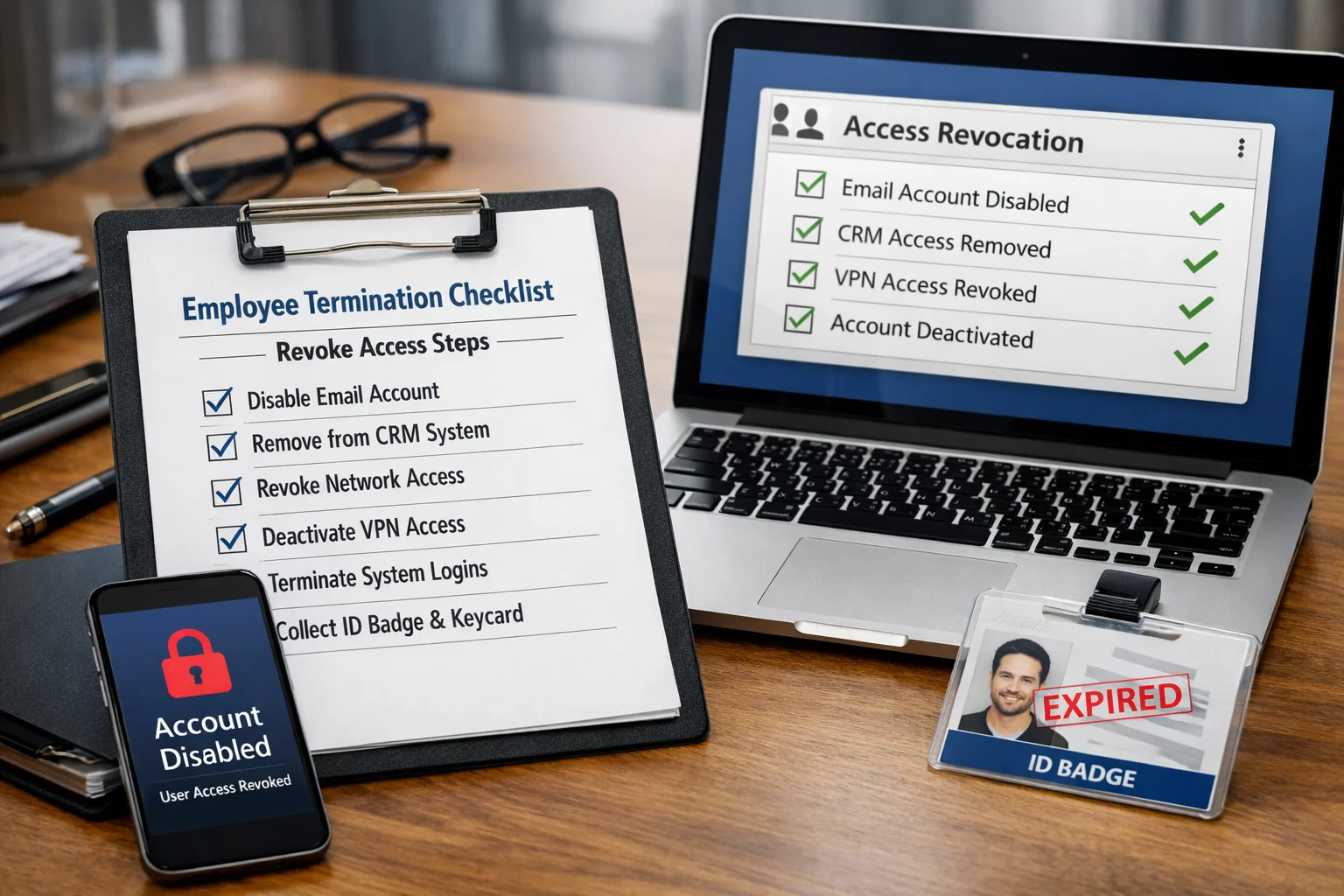
For instance, imagine a scenario where an employee leaves but forgets to close their account in the CRM system. A few days later, you notice suspicious activity from that account. Another example could be a former employee accessing confidential information through an active email account. In both cases, the repercussions can be disastrous for the business, including data loss, financial damage, and even legal issues.
These situations highlight the importance of having a comprehensive approach to the termination process. Organizations must be vigilant and proactive in ensuring that access is revoked immediately to prevent any potential misuse of sensitive information.
For additional insights on the impact of downtime, read our article on Website Downtime: How Much an Online Store Loses in a Day and How to Prevent It.
Why this happens or what contributes to it
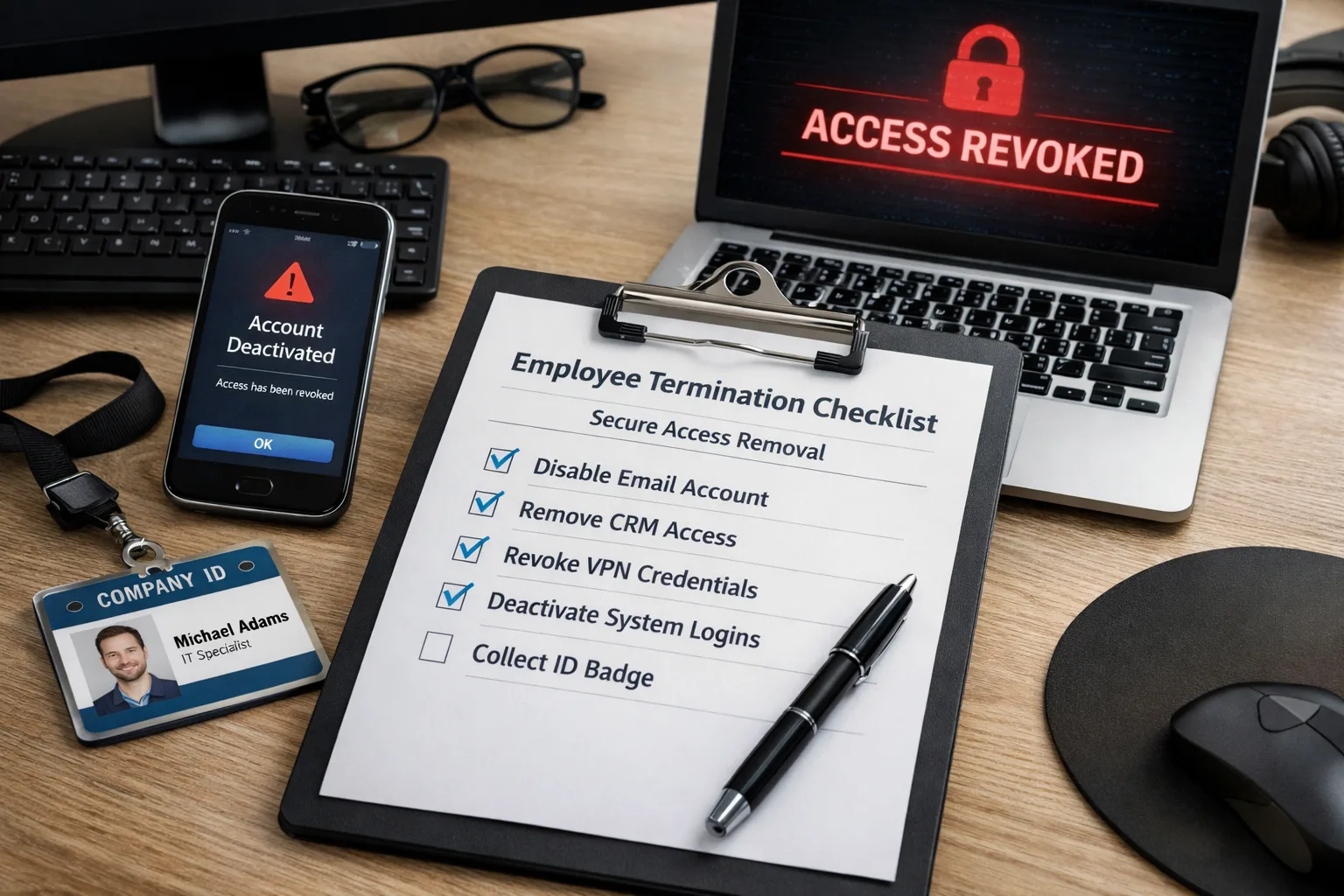
There are various reasons why access might remain after an employee's departure, ranging from a lack of attention to the termination process to unawareness of the risks involved. Often, companies lack clear protocols for revoking access, leading to security gaps. Sometimes, this oversight occurs due to carelessness or haste during the termination process, where the focus is primarily on ending the employment rather than securing data.
Additionally, organizations may not have a standardized checklist for terminations, which can lead to inconsistencies in how access is managed. It is essential for businesses to recognize the potential threats associated with failing to revoke access and to take proactive measures to mitigate these risks.
Common mistakes
- Incomplete revocation of access: Leaving active accounts in various systems can result in unauthorized access. This can happen when organizations do not have a comprehensive list of all systems an employee had access to.
- Lack of documentation: Poor record-keeping regarding employee access complicates security management. Without proper documentation, it becomes difficult to track which accounts need to be disabled.
- Forgotten passwords: Not changing passwords for shared accounts after an employee leaves can leave these accounts vulnerable. This is especially critical for accounts that multiple employees may have used.
What actually helps in practice
Here are some practical steps for revoking access:
- Create a clear checklist: Include all systems and services the employee had access to. This will help ensure no important accounts are overlooked. A detailed checklist is essential for maintaining security integrity.
- Assign a responsible person: Designate an individual who will be accountable for revoking access to avoid misunderstandings and delays. This person should be well-versed in the organization’s systems and protocols.
- Review all passwords: Change passwords for shared accounts and systems to prevent potential misuse. Implementing a routine password change policy can further enhance security.
- Document the process: Keep records of all actions taken regarding access revocation. This will allow you to track completed steps and maintain evidence for compliance purposes.
- Implement two-factor authentication: This adds an extra layer of protection for critical systems, significantly enhancing security. It ensures that even if a password is compromised, additional verification is required for access.
Specific checklist for the day of termination
- Review the list of accesses for the departing employee to ensure all accounts are accounted for. This should include email, CRM, and any other relevant systems.
- Revoke access to email and CRM systems to prevent potential information leaks. This action should be taken immediately upon termination.
- Change passwords for shared resources to avoid unauthorized access to sensitive data. Make sure to update any collaborative tools as well.
- Cancel subscriptions for services and applications linked to the former employee. This can help prevent unnecessary charges and potential data exposure.
- Check security settings in bank accounts to protect the company's financial information. Ensure that only authorized personnel have access.
Conclusion or key takeaways
Revoking access after an employee's departure is a critical step in ensuring your company's security. By following this checklist and implementing clear procedures, you can significantly reduce the risks of data breaches and information misuse. Never underestimate the importance of controlling access to corporate resources, as it can impact your organization’s reputation and financial standing.
In conclusion, a proactive approach to employee terminations not only protects sensitive information but also fosters a culture of security within your organization. Ensure that all team members understand the importance of these procedures and are equipped to execute them effectively. By doing so, you can safeguard your company's assets and maintain trust with your stakeholders.
When to involve security or IT support
Security support becomes important when suspicious signals repeat, affect delivery, or touch accounts, domains, sites, or customer trust.
- spoofing, phishing, spam spikes, or login alerts keep recurring
- mail delivery, domain reputation, or site availability is affected
- logs show unknown devices, unexpected forwarding rules, or suspicious DNS changes
- the issue may involve customer data, credentials, payments, or production systems
If credentials, customer data, or production infrastructure may be exposed, escalate immediately and preserve logs before changing evidence.