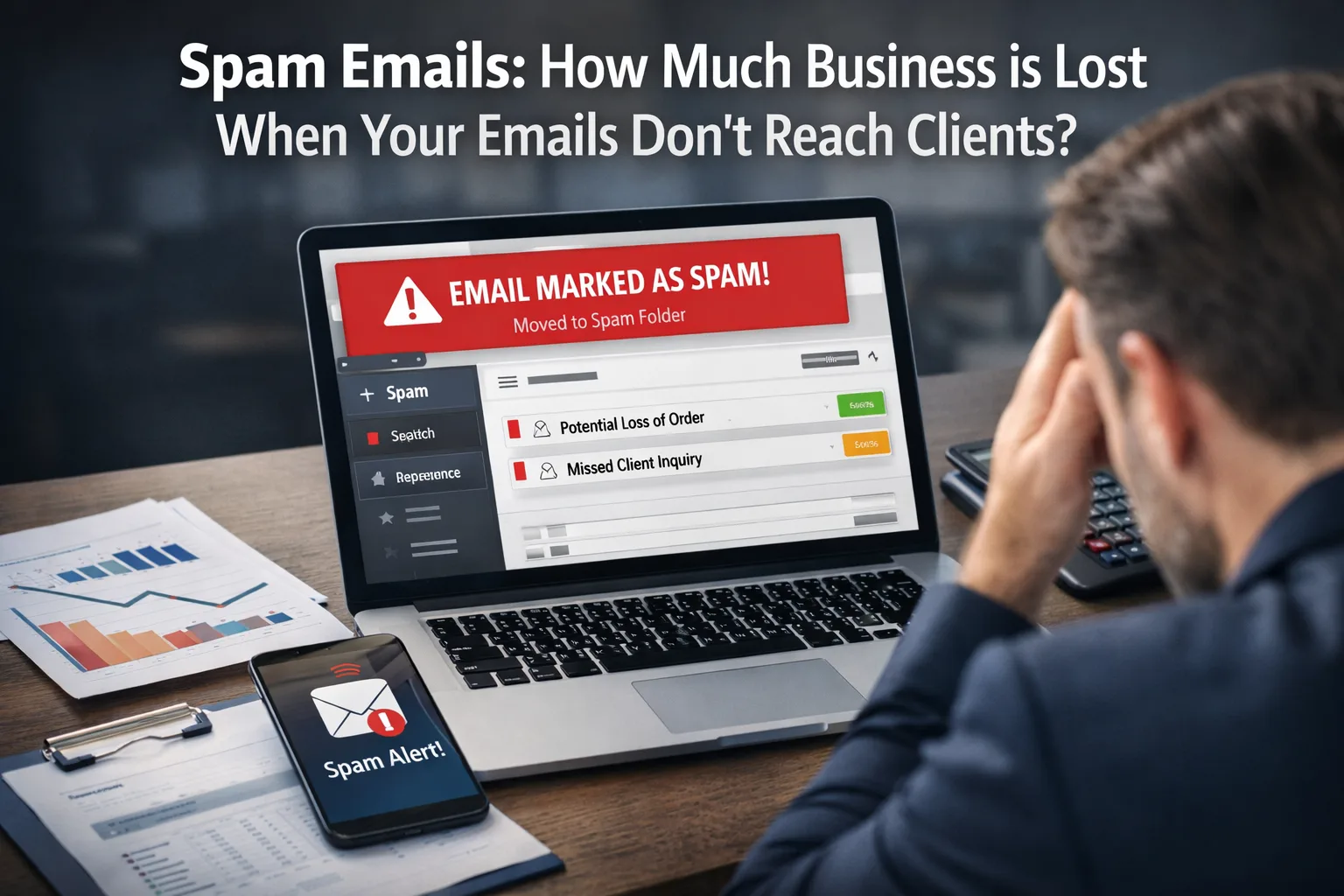
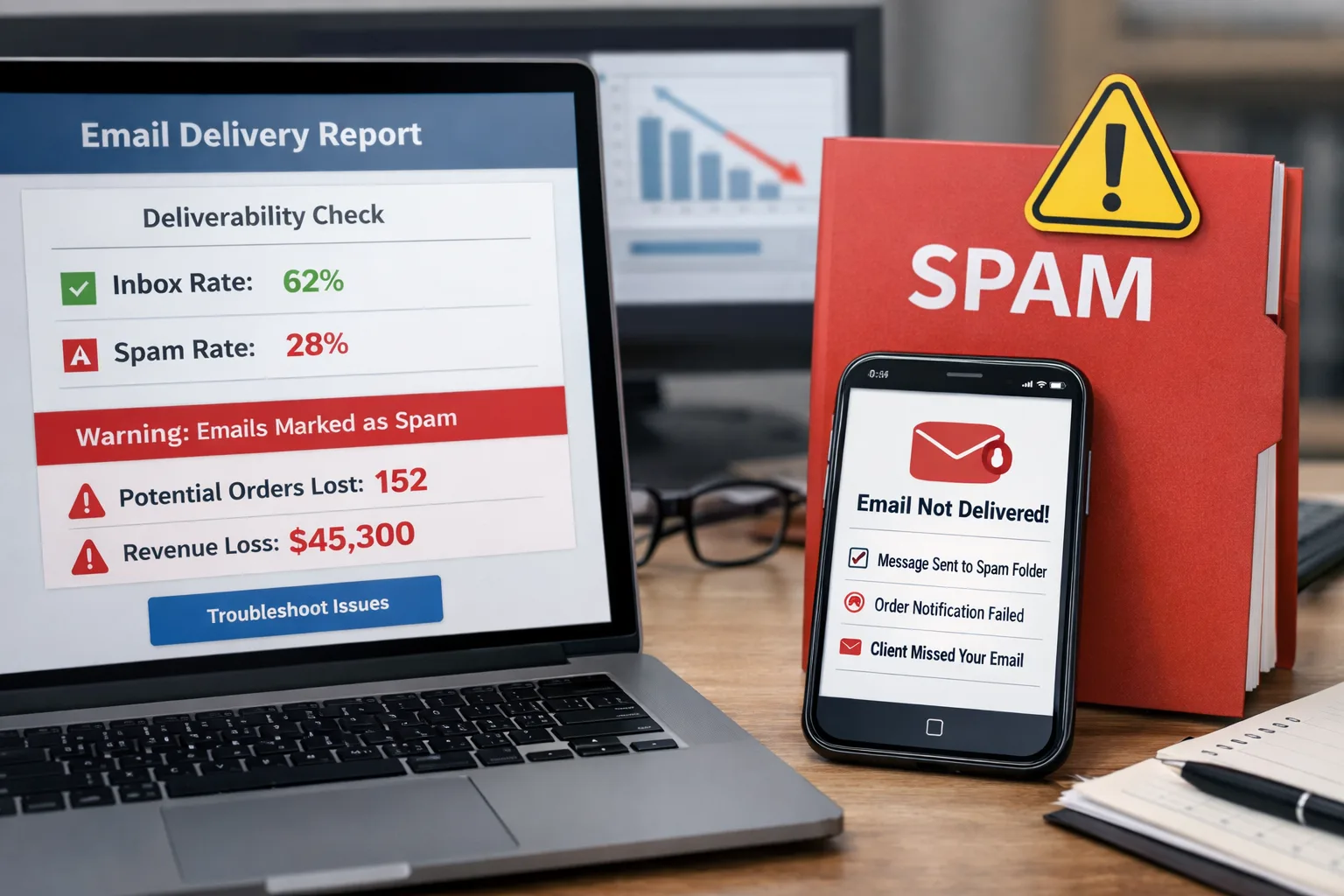
When your emails fail to reach clients, it can lead to serious financial repercussions. Lost orders, damaged reputations, and dissatisfied customers are just a few consequences of email delivery issues. This article explores how to determine if your emails are going to spam and what steps you can take to improve the situation.
Website Downtime: How Much an Online Store Loses in a Day and How to Prevent It Purpose and Expected Outcome This article aims to provide you with a comprehensive action plan for checking email delivery and preventing your messages from being marked as spam.
Purpose and Expected Outcome
This article aims to provide you with a comprehensive action plan for checking email delivery and preventing your messages from being marked as spam. By the end of this guide, you should be able to:
Before and After: How a Store Stopped Losing Orders from Four Channels
- Evaluate how many orders your business might lose due to email issues.
- Understand how SPF (Sender Policy Framework) and DKIM (DomainKeys Identified Mail) work to enhance email deliverability.
- Implement effective measures to improve email delivery rates.
Before You Start
Before diving into checking and fixing email issues, ensure you have access to the following re
What Manual Order Entry Costs: The Numbers for a Store with 50 Orders a Day
- Your email domain.
- Your domain's DNS settings.
- Analytics tools to track delivered emails and engagement metrics.
Step-by-Step Action Plan
Step 1: Check Email Delivery
To determine whether your emails are being directed to spam, follow these systematic steps:
- Send Test Emails: Create test emails and send them to various addresses (Gmail, Yahoo, Outlook, etc.). This will help you check if your emails are reaching intended recipients. Ensure you vary the content and subject lines to test different scenarios.
- Check the Spam Folder: Ask recipients to check their spam or junk folders for your test emails. If your emails are found there, it indicates a potential issue with your sender reputation or content.
- Use Verification Tools: Utilize tools like Mail Tester or GlockApps for detailed reports on your email delivery. These resources can provide valuable insights into why your emails may not be reaching their destination and suggest improvements.
Step 2: Set Up SPF and DKIM
To enhance the likelihood of your emails being successfully delivered, it is crucial to configure SPF and DKIM:
- Set Up SPF: Add an SPF record to your domain's DNS. This helps recipients verify that your emails are sent from authorized servers. Ensure the SPF record includes all server addresses you use to send emails, including third-party services.
- Set Up DKIM: Configure DKIM to sign your emails. This adds a cryptographic signature to each outgoing message, confirming its authenticity. This process enhances trustworthiness, allowing recipients to feel secure that the email genuinely comes from you.
Step 3: Optimize Email Content
The content of your emails can significantly affect their deliverability:
- Avoid Trigger Words: Words like "free" or "guaranteed" may raise suspicion with spam filters. Instead, try to phrase your offers in a more neutral manner. Focus on clear, concise language that conveys value without sounding promotional.
- Check Formatting: Use plain text when possible and avoid excessive graphics. Too many images or complex formatting can lead to your emails being marked as spam. Balance text and visuals for optimal engagement.
Step 4: Track Results
After implementing these changes, it’s crucial to monitor their effectiveness:
- Monitor Opens and Clicks: Use analytics tools to track opens and clicks on your emails. This data will help you understand how effective your campaigns are and identify areas for improvement.
- Regular Checks: Conduct monthly checks on your email delivery. This proactive approach will help you identify issues promptly and take necessary corrective actions before they escalate.
Step 5: Analyze Financial Losses
Assessing the financial impact of lost orders due to email delivery issues is essential for understanding the stakes:
- Calculate the Cost of a Lost Order: Determine the average value of an order and multiply it by the number of lost orders per month. This calculation will give you a clearer picture of the severity of financial losses due to undelivered emails.
- Example Calculation: If your business loses 10 orders a month at an average value of 300 UAH each, that amounts to 3000 UAH in losses monthly. Knowing this information allows for better planning of expenses and investments in marketing strategies.
How to Track Progress
Create a simple table or spreadsheet to monitor your results effectively:
- Testing Dates: Record the dates when you conducted email delivery tests to track progress over time.
- Number of Delivered/Undelivered Emails: Keep track of how many emails were successfully delivered versus those that were not. This will help you identify patterns.
- Number of Opens and Clicks: Note how many recipients opened your emails and clicked on links. This engagement data is crucial for assessing effectiveness.
- Monthly Financial Losses: Calculate how much money you could have lost due to undelivered emails, providing a tangible metric for your efforts.
What to Do if Progress Stalls
If you don’t see improvements in your email delivery despite following these steps, consider taking these additional measures:
- Consult an Expert: Engage an email security specialist for an audit. An expert can identify issues you may have overlooked and provide tailored recommendations for improvement.
- Analyze Competitors: Investigate competitors’ practices regarding email delivery. They might be employing different strategies that yield better results. Learning from their successes can inform your approach.
Common Mistakes During the Process
During the setup of your email delivery system, the following mistakes are often made that can hinder success:
- Ignoring Testing: Many companies do not conduct enough tests before launching a campaign. This oversight can lead to serious problems down the line, such as high bounce rates or low engagement.
- Incorrect SPF/DKIM Settings: Improper configurations can result in your emails being blocked or filtered as spam. Always verify settings before applying them, and consider using online tools for validation.
Conclusion
Research shows that email delivery issues can significantly impact a company's profits. By taking simple yet effective steps to check and improve your email delivery, you can avoid substantial financial losses. Start today! Remember, the sooner you address these problems, the less money you will lose in the future. Your efforts in optimizing email deliverability will pay off in customer satisfaction and business success.
When to involve security or IT support
Security support becomes important when suspicious signals repeat, affect delivery, or touch accounts, domains, sites, or customer trust.
- spoofing, phishing, spam spikes, or login alerts keep recurring
- mail delivery, domain reputation, or site availability is affected
- logs show unknown devices, unexpected forwarding rules, or suspicious DNS changes
- the issue may involve customer data, credentials, payments, or production systems
If credentials, customer data, or production infrastructure may be exposed, escalate immediately and preserve logs before changing evidence.