Microsoft 365 / Google: secure setup
Accounts, mail and files in one place, set up so that they are hard to take over.
- Review of administrators, file sharing and forwarding
- Old sign-in methods turned off
- Migration from old email without losing data
We set up Microsoft 365 or Google Workspace safely, turn on 2FA, put passwords and access in order and teach the team to spot phishing and fake calls.
2FA
on every account
M365
and Google Workspace
1
password manager for the whole team
1 day
to revoke access when someone leaves
How it looks after implementation
LIVE2/6
accounts with 2FA
4
forgotten access
Phishing test: 3 of 12 clicked → short lesson sent
Demo feed with example events
How we solve it · Team training: phishing, deepfake, fake invoices
AI now writes perfect phishing and fakes voices. We set up verification rules, 2FA and filters, and train the team to spot such attacks.
Accounts, mail and files in one place, set up so that they are hard to take over.
Type a password like the ones your team uses. It is checked in your browser: nothing is sent or saved.
Contains a common word, a year or a keyboard pattern
Time to crack it
Instantly
with one modern graphics card, offline
What actually helps
What your business gets
You describe the task, we ask the right questions and suggest a solution.
We look at what you have and propose a plan with a clear estimate.
We work in short stages and show the result after each one.
We stay in touch, monitor and improve after launch.
We work so that you can stop worrying about the IT side of your business.
You talk to the person who does your task, with no call centres or middlemen. Ask anything, even the “simple” questions.
We explain what we do and why, so you always understand what you are paying for and what you get.
Price and deadline are agreed before we start. If something changes, you hear it from us first, before any extra cost.
We don't disappear after handover: we watch that everything works, answer questions and improve things as your business grows.
Technology plus rules: payments and access changes are confirmed through a second channel, and the team learns the typical scenarios.
No. 2FA is an app on the phone, and the password manager fills in passwords by itself. We write short instructions and answer questions in writing.
Usually Bitwarden: it is open source, has a business plan and works on all devices. If you already use another one, we work with it.
No. Everything is done remotely: settings through the admin panel, training online, and staff turn on 2FA themselves with our instructions.
Agreed before work starts, and it doesn't grow along the way. For ongoing support, hourly billing is simpler.
Ongoing support, per hour
€22€15−32%per hour, excl. VAT (EU: reverse charge)
Your rate is locked for all of 2027, if you start working with us by 31 December 2026.
3-2-1 backups, a monthly restore test, Microsoft 365 with two-factor login and one contact to call when something breaks.
€660from €450−32%
3-2-1backup scheme
Read the caseDMARC in reject mode, warnings on look-alike domains, 2FA for everyone and a 30-minute training with real examples from your inbox.
€440from €300−32%
p=rejectDMARC policy
Read the case
A simple worked example of what one day without a website costs an online store, and what to set up in advance: monitoring, backups, a staging copy and a short incident plan.
22 October 2026
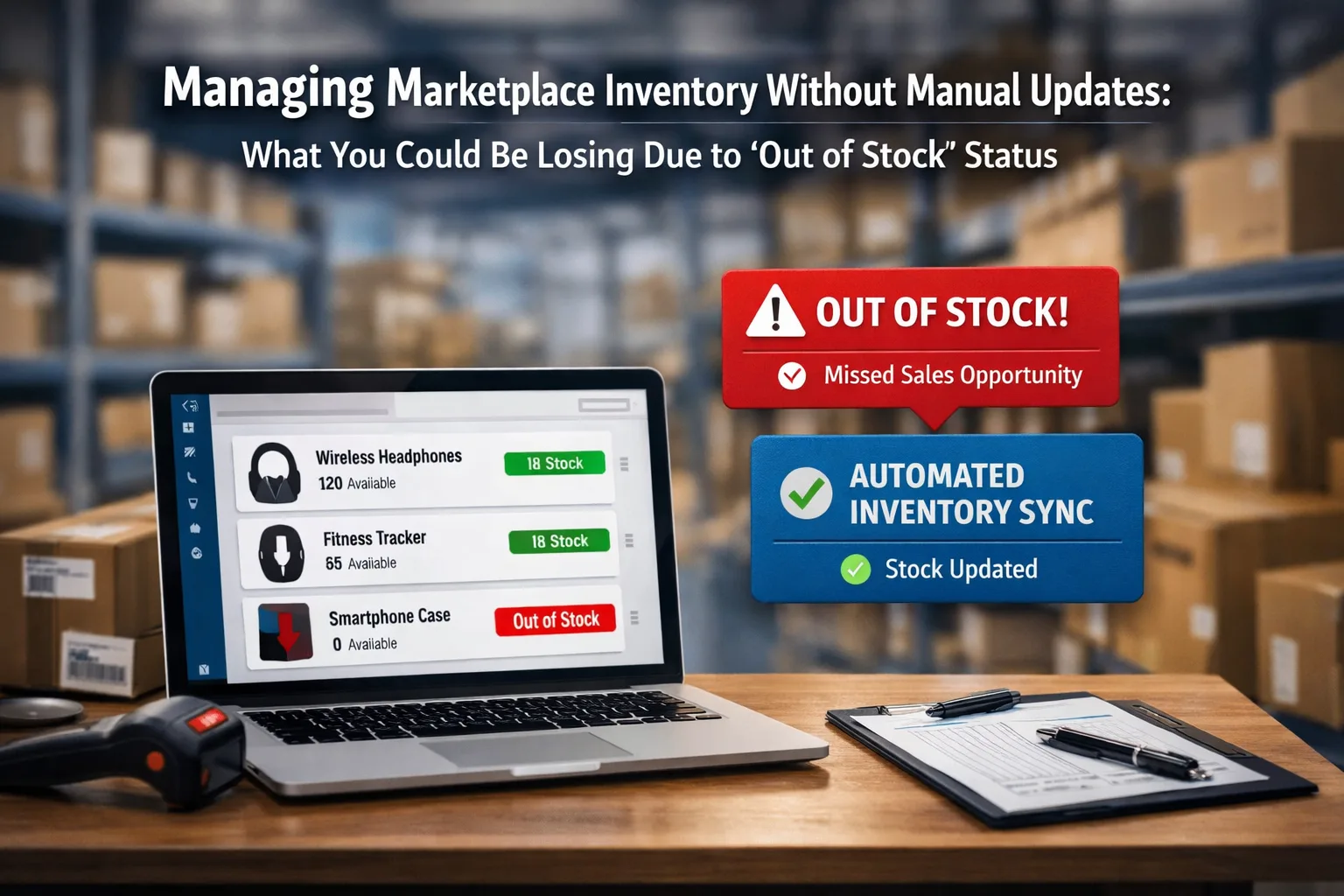
When stock on Amazon, eBay and your website is updated by hand once a day, a store loses twice: items in stock show as unavailable, or items already gone keep selling. We count both cases and show how to fix it.
13 October 2026
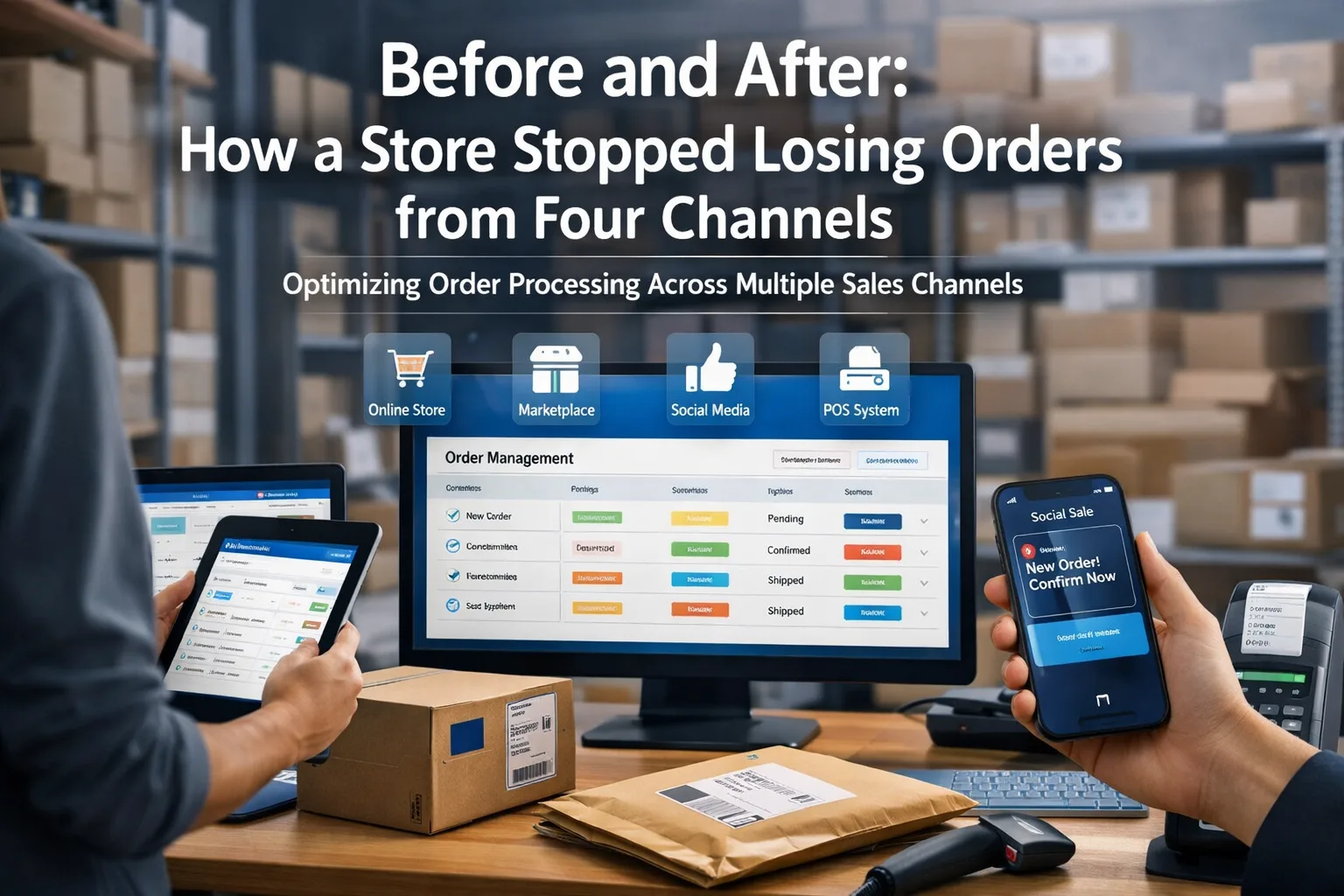
A typical store takes orders from its website, Amazon, Instagram and the phone, and some of them get lost. Here is where they disappear, what we change in 3 to 5 weeks and where to start in your own business.
13 October 2026