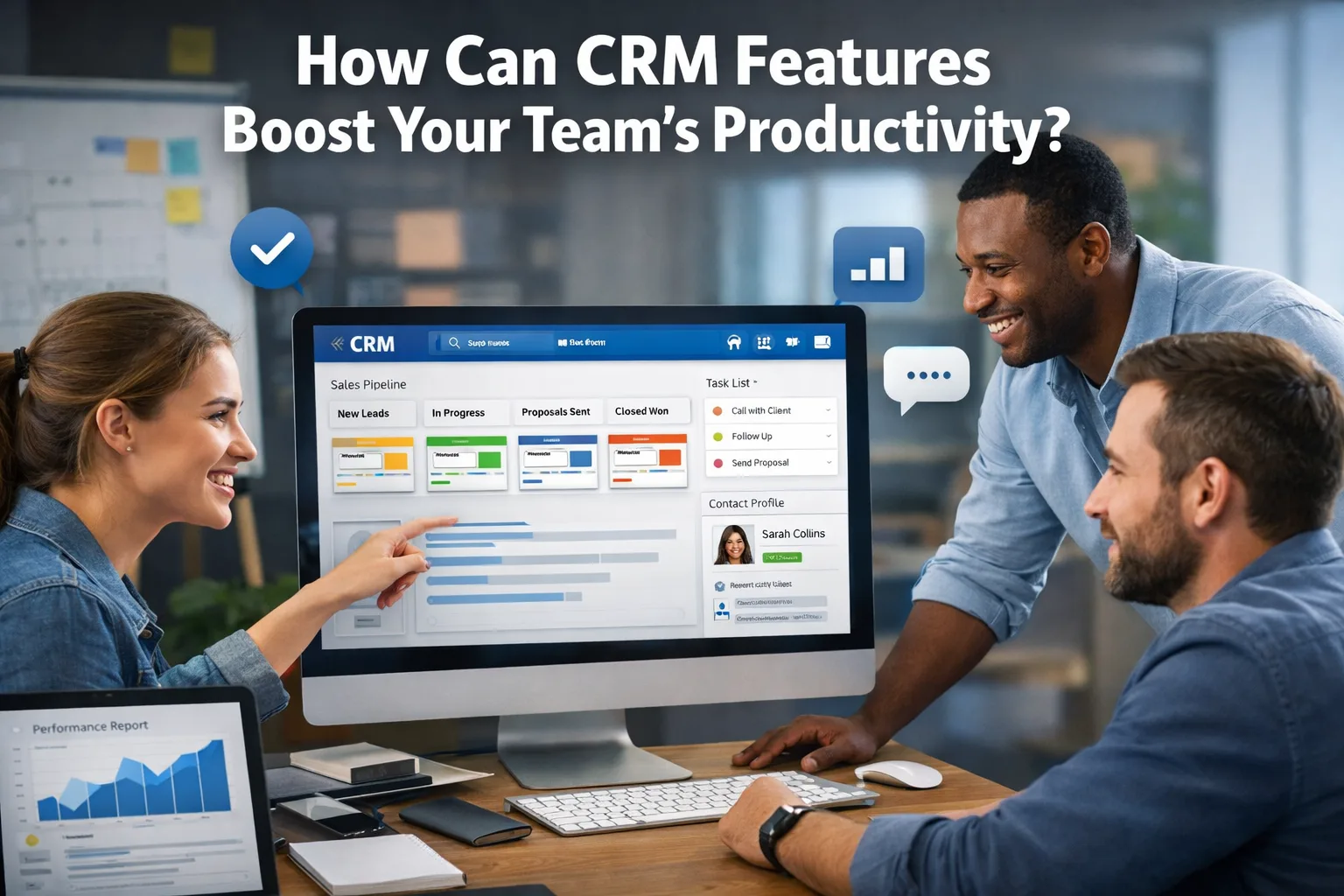
How Can CRM Features Boost Your Team's Productivity?
Exploring how CRM features can significantly enhance your team's productivity by optimizing workflows and improving customer interactions.
Read article
2026-09-01
DMARC in reject mode, warnings on look-alike domains, 2FA for everyone and a 30-minute training with real examples from your inbox.
p=reject
DMARC policy
100%
accounts with 2FA
30 min
training on real examples
This is a solution example: it shows how we would build it for a typical client. The figures are targets we agree on before the work starts, not results of a specific client.
An employee almost paid an invoice from a domain that differed by one letter. Clients' bank data and documents pass through the mail every day.
In
External mailStaff accountsMail protection
DMARC, banners, 2FA
Result
Forged mail rejectedTrained teamWho sends mail as your domain today and what reaches staff.
Monitor → quarantine → reject, without losing legitimate mail.
2FA for everyone and a short training on your own examples.
Technologies
Related services
Everything else is on us. You see progress after each stage and pay after accepting it.
Describe the task in your own words. We'll reply with questions or a plan and name the price and deadline before we start.
Gmail put our replies to clients into spam. We found three causes in the mail chain and fixed them in a day.
10/10mail-tester score
Read the caseRedirects to spam sites, a red warning in Chrome and lost orders. We remove the malicious code, close the hole and ask Google to lift the warning.
same daywe start the cleanup
Read the case1 284
spam blocked this week
37
phishing attempts stopped
Proxmox Mail Gateway stops spam, phishing and infected attachments before they reach the mail server; staff release false positives themselves.
30–80mailboxes behind one filter
Read the caseExploring how CRM features can significantly enhance your team's productivity by optimizing workflows and improving customer interactions.
2026-09-01
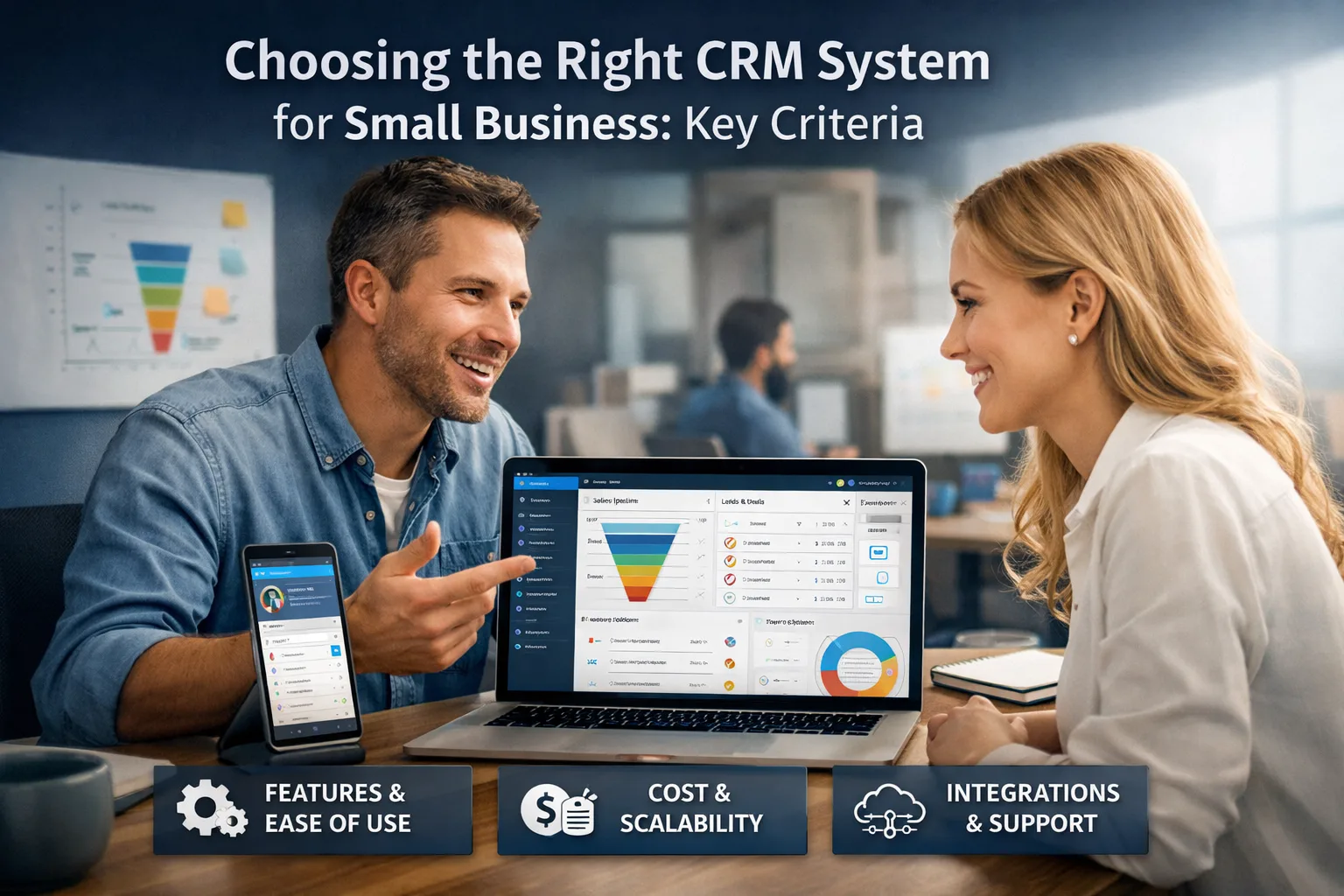
Discover how to effectively select a CRM system for your small business by considering essential criteria and tips for success.
2026-09-01
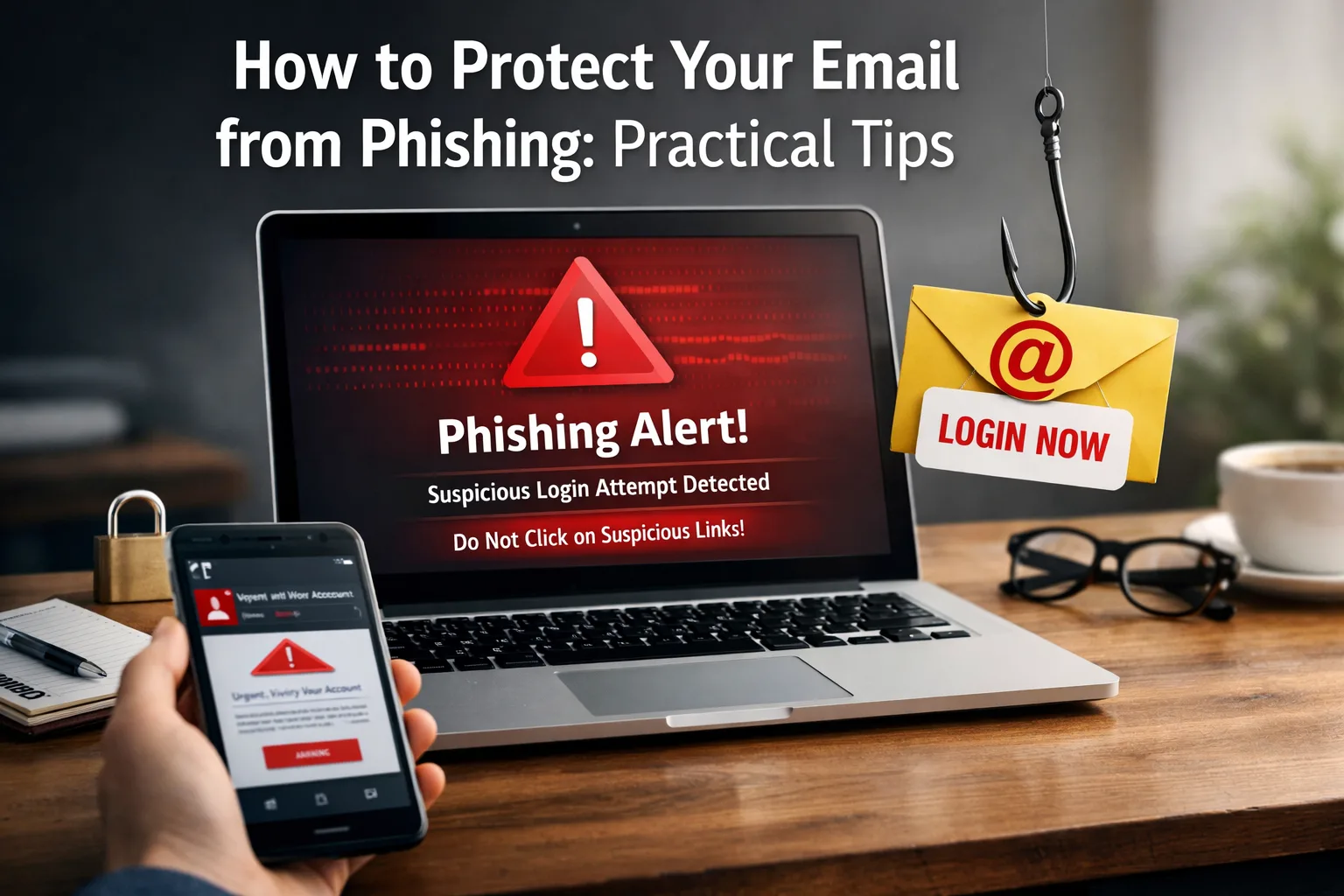
Explore effective strategies to safeguard your email against phishing attacks. Learn about common mistakes and steps to enhance your security.
2026-06-24