AI Automation, CRM Solutions and Corporate Email Security

Choosing the Right CRM System for Small Business: Key Criteria

Discover how to effectively select a CRM system for your small business by considering essential criteria and tips for success.

2026-09-01 · 6 min read

Choosing the Right CRM System for Small Business: Key Criteria

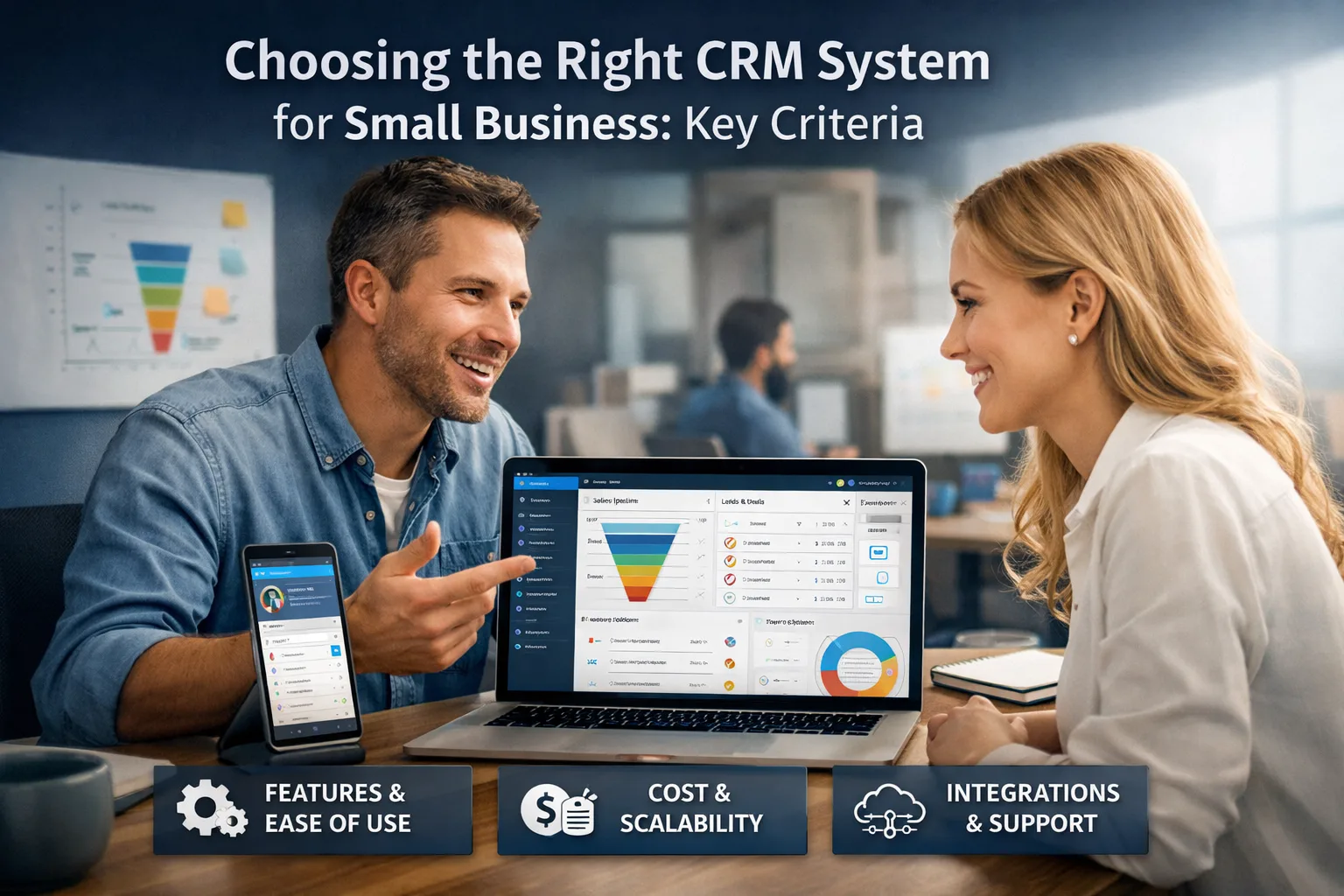
Selecting the right CRM system can be a pivotal step in ensuring the success of your small business. It’s not just software; it’s a tool that helps manage customer relationships, automate processes, and enhance your team's productivity. In this article, we will explore the key criteria to consider when choosing a CRM system.

Short answer

How to Protect Your Email from Phishing: Practical Tips Key criteria for selecting a CRM system: Functionality Usability Integration with other systems Cost Support and Maintenance Goals and Expected Outcomes The aim of this guide is to provide you with clear steps for selecting a CRM system that.

Key criteria for selecting a CRM system:
  • Functionality
  • Usability
  • Integration with other systems
  • Cost
  • Support and Maintenance

Contents

Goals and Expected Outcomes

The aim of this guide is to provide you with clear steps for selecting a CRM system that best fits your small business needs. Choosing the right CRM can significantly enhance your team’s efficiency, improve customer service, and ultimately increase profits. It’s crucial to understand that a CRM system is not merely a tool for storing contacts but a comprehensive solution for managing all aspects of customer interactions.

CRM and Business Systems

Before You Start

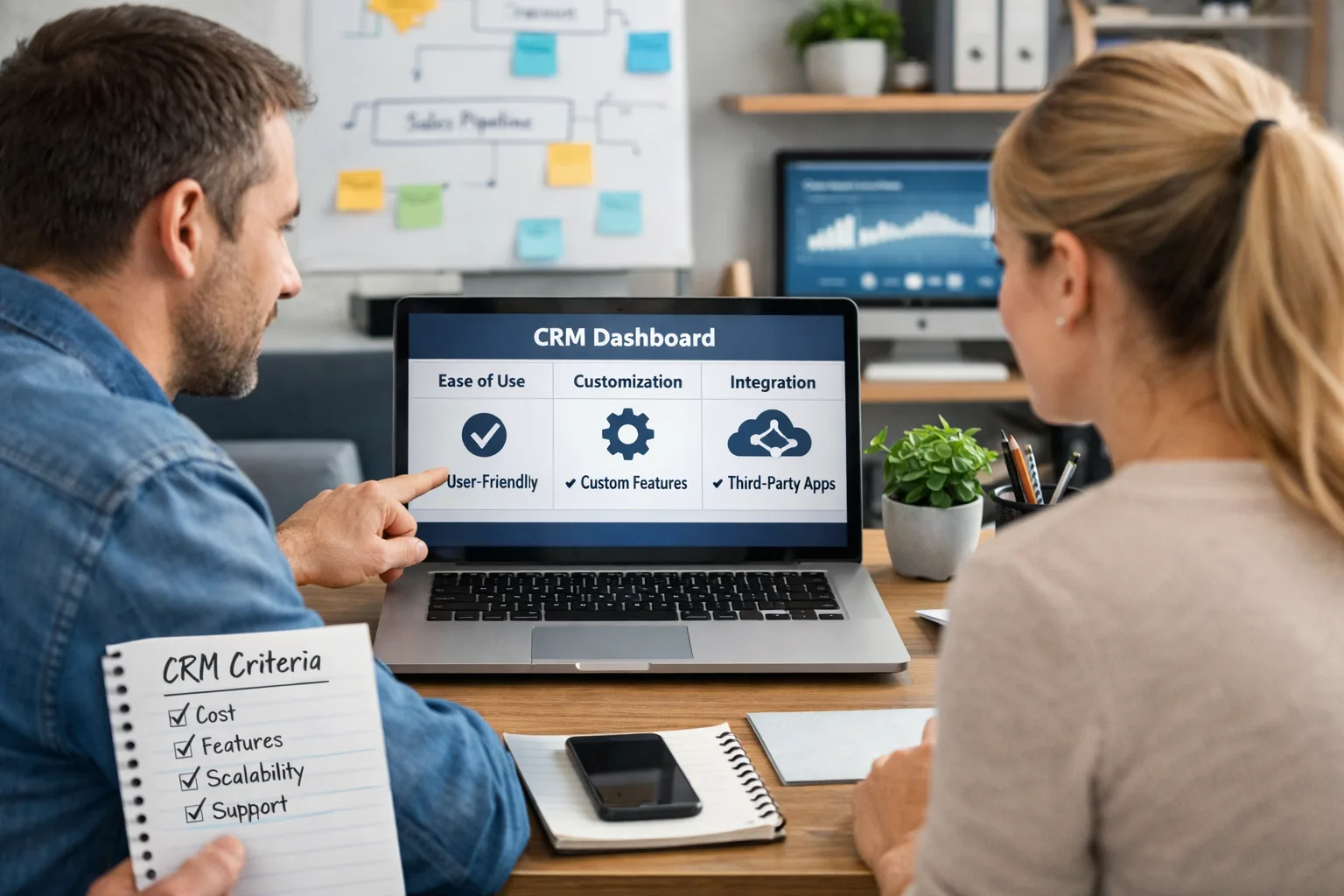
Article illustration Article illustration

Before beginning the selection process for a CRM system, it’s important to define your business needs. Ask yourself:

E-commerce and Online Stores

  • What features are critical for my business?
  • What budget can I allocate for implementing a CRM?
  • What issues do I want to solve with a CRM?

Once you have clarity on these aspects, you will be better equipped to evaluate different options. It’s also essential to conduct market research and review feedback on various CRM systems to identify their strengths and weaknesses.

Step-by-Step Action Plan

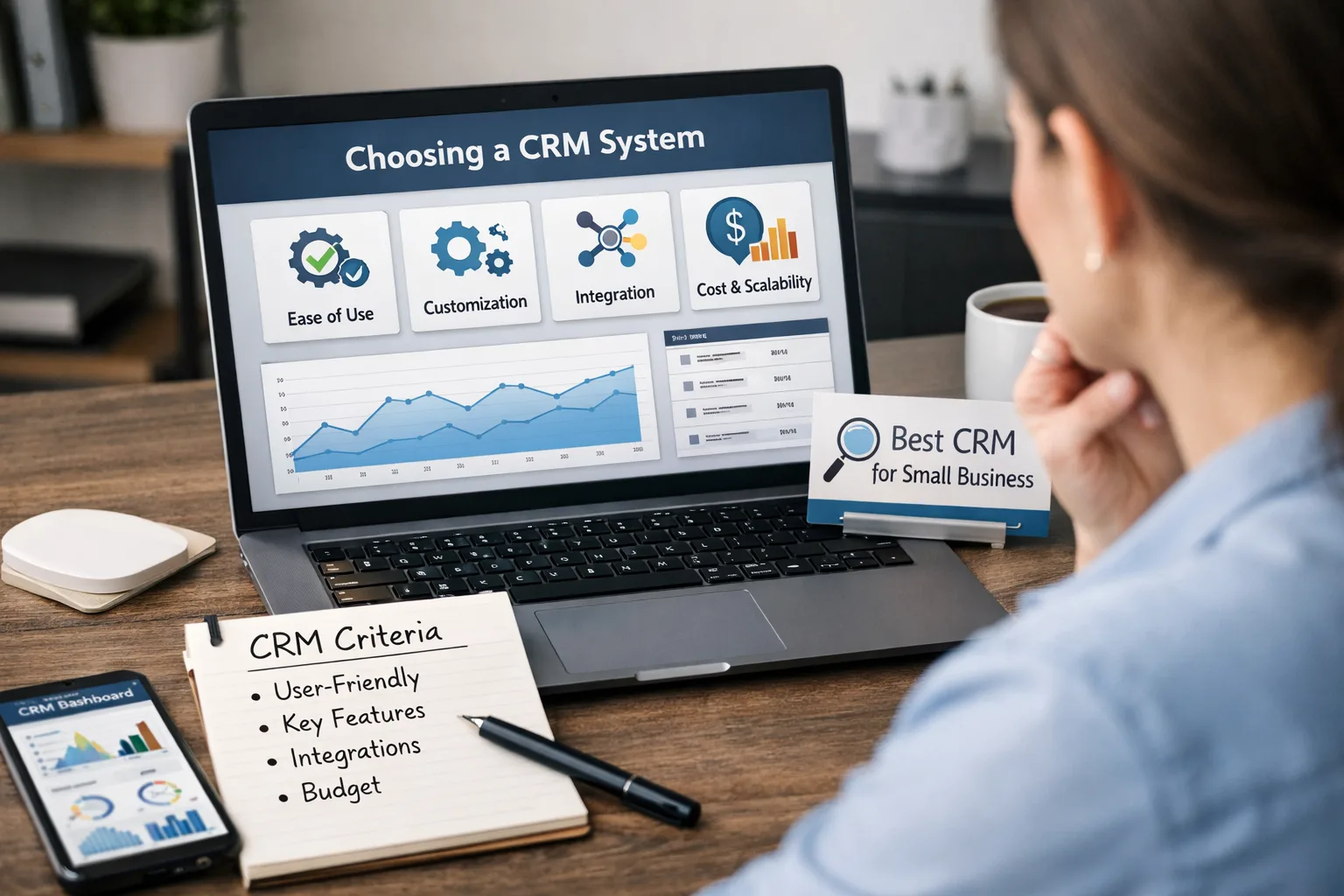
Article illustration

Step 1: Assessing Functionality

Before selecting a CRM, familiarize yourself with the essential features it should include:

  • Contact Management: the ability to store customer data, including interaction history.
  • Sales Automation: streamlining sales processes, including automatic reminders and deal management.
  • Reporting and Analytics: access to crucial data for decision-making, including sales performance analysis.
  • Integrations: capability to connect with other tools such as email, accounting software, and additional business applications.

Step 2: Evaluating Usability

The CRM should be user-friendly. Test several platforms to determine how easily your team can learn to use them. Pay attention to:

  • User interface — it should be intuitive and appealing.
  • Availability of training materials — presence of guides, video tutorials, and other resources.
  • User support — the ability to get help when questions arise.

Step 3: Analyzing Cost

Consider your budget for the CRM system. Costs can vary based on:

  • Monthly or annual subscriptions — compare different plans.
  • Number of users — determine how many employees will use the system.
  • Additional features or modules — check if you need any specific functionalities.

Don’t forget about potential hidden costs for setup and support. It’s also advisable to explore free trial options to evaluate the system before making a purchase.

Step 4: Checking Support and Maintenance

Ensure that the CRM provider offers reliable technical support. This is especially important during the system implementation phase. Inquire about:

  • Response Time: how quickly do they respond to issues?
  • Communication Channels: is support available via phone, chat, or email?
  • Staff Training: do they offer courses or webinars for your employees?

Step 5: Exploring Integration Options

Investigate how well the CRM can integrate with existing systems in your business. This may include:

  • Email marketing — integration with mailing platforms.
  • E-commerce platforms — synchronization with online stores.
  • Accounting systems — automating financial tracking.

Integration can save time and resources while improving overall business process efficiency.

How to Track Progress?

After selecting and implementing your CRM, it’s important to monitor its effectiveness. It’s advisable to establish the following metrics:

  • Customer Satisfaction: conduct surveys to gather feedback on service quality.
  • Sales Efficiency: assess how sales volumes have changed post-implementation by comparing pre- and post-data.
  • Team Productivity: measure task completion times before and after using the system to understand its impact.

What to Do If Progress Stalls?

If you notice that results are not meeting expectations, consider potential reasons:

  • Poor Training: perhaps the team does not fully understand the system. Conduct retraining or seek support from the provider.
  • Incorrect Feature Selection: you may not have chosen all necessary features. Reassess your business needs.
  • Unrealistic Expectations: evaluate the realism of your goals. Adjusting your strategy may be necessary.

In such cases, it can be helpful to consult with the service provider for recommendations on improving system utilization.

Common Mistakes During the Process

Mistakes often occur during the selection and implementation of a CRM. Here are a few:

  • Poor Needs Assessment: not all features may be relevant to your business. Conduct thorough analysis before making a choice.
  • Insufficient Staff Training: without proper training, the system may not be used effectively. Invest in training your team.
  • Navigating Support Neglect: choosing a provider without ongoing support can lead to future problems. Opt for those who offer quality assistance.

Conclusion

In conclusion, choosing a CRM system is a critical phase for small businesses. By following the outlined steps and recommendations, you can find a solution that best meets your needs. Regularly check the effectiveness of the system and make adjustments as necessary. This will help you maximize the benefits of your CRM and ensure sustainable growth for your business.


When to involve security or IT support

Security support becomes important when suspicious signals repeat, affect delivery, or touch accounts, domains, sites, or customer trust.

  • spoofing, phishing, spam spikes, or login alerts keep recurring
  • mail delivery, domain reputation, or site availability is affected
  • logs show unknown devices, unexpected forwarding rules, or suspicious DNS changes
  • the issue may involve customer data, credentials, payments, or production systems

If credentials, customer data, or production infrastructure may be exposed, escalate immediately and preserve logs before changing evidence.