
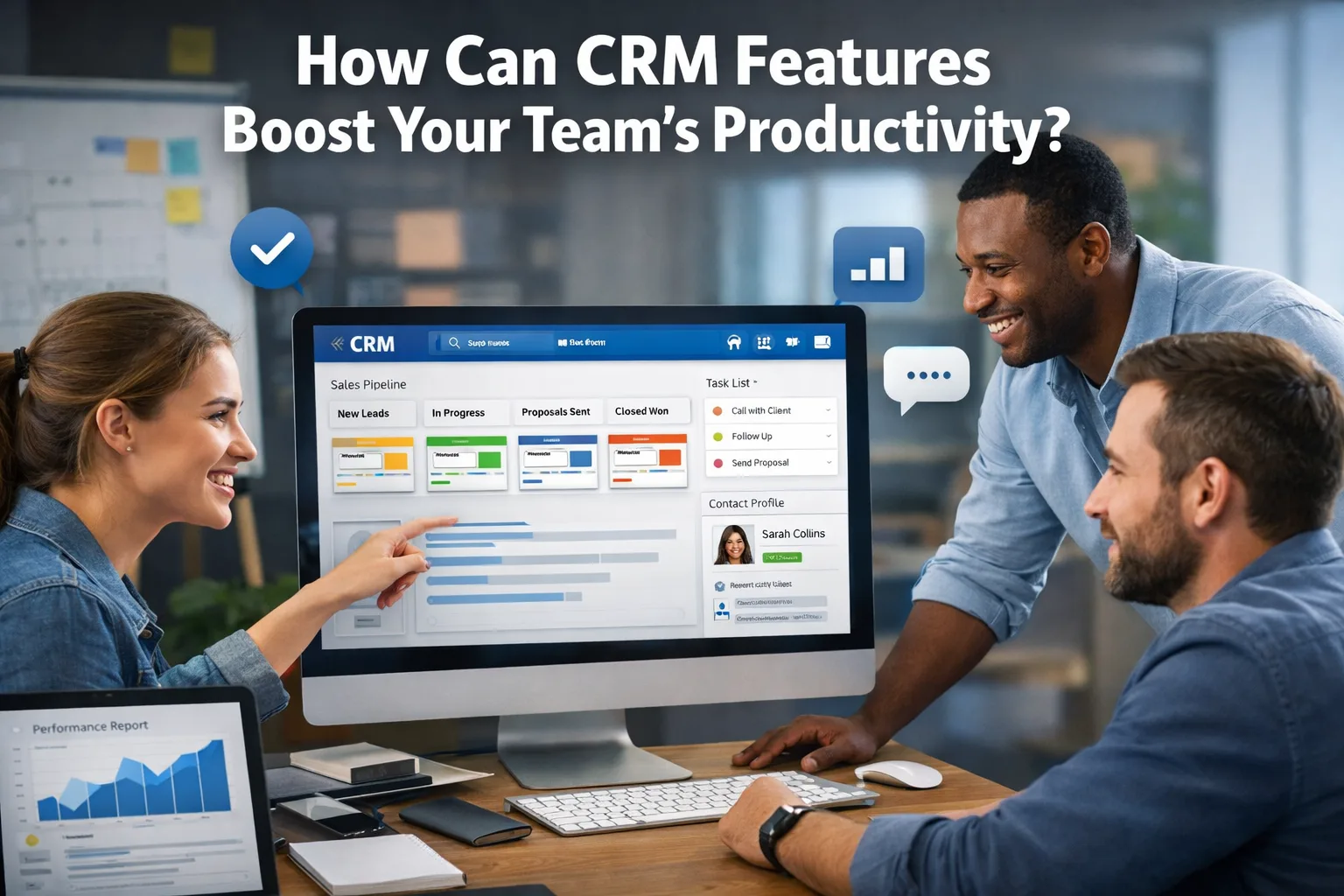
In today's competitive business landscape, where customer expectations are continually evolving, teams are always on the lookout for ways to improve their productivity. One of the most effective tools for achieving this is a Customer Relationship Management (CRM) system. But which specific CRM features can truly enhance your team's performance? Let's delve into this topic.
CRM, or Customer Relationship Management, is a strategy for managing a company's interactions with current and potential customers.
How to Protect Your Email from Phishing: Practical Tips
What is CRM and why is it important?
CRM, or Customer Relationship Management, is a strategy for managing a company's interactions with current and potential customers. It enables businesses to organize, automate, and synchronize all aspects of customer engagement, including sales, marketing, and customer service. Implementing a CRM system can significantly enhance team efficiency by providing a centralized database accessible to all employees. This centralization of data ensures that everyone on the team has access to the same information, which can lead to more informed decision-making and improved collaboration across departments.
Moreover, CRM systems can help businesses maintain a comprehensive view of customer interactions, preferences, and history. This information is crucial for tailoring services and communications to meet individual client needs, thereby fostering stronger relationships and enhancing customer satisfaction. In an age where customer experience is paramount, having a robust CRM system in place is not just beneficial; it is essential for sustaining competitive advantage in the marketplace.
How do CRM features manifest in real life?
Imagine your sales team uses a CRM to manage leads effectively. With task automation, team members can respond to customer inquiries more swiftly, freeing up time from mundane tasks. For instance, the system might automatically send reminders for meetings or deadlines for deals, allowing the team to focus on crucial activities like building relationships with clients. This capability not only streamlines operations but also enhances the overall customer experience as inquiries are handled promptly.
Another example is the analytical tools within the CRM that enable real-time tracking of team performance. Managers can easily identify which strategies are most effective and adjust their actions based on the insights gained. This not only helps in responding promptly to changes but also prevents losses associated with ineffective strategies. By leveraging data analytics, teams can forecast trends, measure campaign effectiveness, and make data-driven decisions that propel business growth.
Additionally, integration with other business systems enhances the functionality of a CRM. For instance, connecting your CRM with marketing automation tools can streamline lead generation processes. When leads are captured from marketing campaigns, they can be automatically entered into the CRM, allowing sales teams to follow up without delay. This seamless flow of information eliminates data silos and fosters a more cohesive approach to customer management.
Why does this matter?
CRM features not only streamline workflows but also help avert numerous issues. Without a proper contact management system, a team might lose critical client data or fail to respond to inquiries in a timely manner. This could result in lost customers and harm the company's reputation. With a CRM system, your staff will always have access to up-to-date information, increasing the chances of successful deals.
Moreover, a well-implemented CRM system can significantly improve customer retention rates. By understanding customer preferences and behaviors through detailed analytics, businesses can tailor their offerings to meet specific needs, thereby enhancing customer loyalty. In addition, effective communication facilitated by CRM can lead to higher satisfaction levels among clients, which is essential in today’s service-oriented economy.
Common mistakes in CRM implementation
One of the most significant mistakes is inadequate training for employees. If the team doesn't know how to use the system effectively, all investments may be wasted. Another common error is selecting an unsuitable CRM system. It's vital to conduct a thorough analysis of the company's needs before making a decision. Often, businesses choose systems based on popularity rather than their specific requirements.
Furthermore, failing to involve key stakeholders in the decision-making process can lead to misalignment between the CRM’s capabilities and the actual needs of the team. It’s essential to gather feedback from various departments—sales, marketing, and customer service—before selecting a CRM solution. This collaborative approach ensures that the chosen system will serve the diverse needs of all users.
What truly helps in using CRM?
- Task automation: Reduces time spent on routine operations, allowing employees to focus on more important tasks.
- Contact management: Keeps all client information in one place, simplifying data access.
- Analytics: Aids in tracking performance and adjusting strategies based on data.
- Integration: Facilitates easy data exchange between different systems, enhancing overall efficiency.
- Training: Ensures proper system usage by all team members, which is critical for success.
Additionally, regular updates and maintenance of the CRM system are crucial for its longevity and effectiveness. Businesses should ensure that they are utilizing the latest features and functionalities available in their CRM software. This not only keeps the system running smoothly but also ensures that teams are leveraging all available tools to maximize productivity.
When should you seek IT support?
If your team encounters technical issues or struggles to configure the system correctly, it's a sign that you should reach out for IT assistance. They can help with system integration or security concerns. Engaging professionals can prevent significant problems down the line and ensure stable CRM operation.
Moreover, consulting IT support during the initial setup phase can provide valuable insights into best practices for implementation. They can assist in customizing the CRM to fit your specific business processes and ensure that all necessary integrations are correctly configured. This proactive approach can save time and resources in the long run.
Conclusion
Utilizing CRM features can dramatically enhance your team's productivity. Task automation, contact management, and analytics are just a few capabilities that can optimize workflows. However, it's essential to prioritize employee training and avoid common pitfalls during implementation. Your team must understand how to leverage CRM for maximum results.
By investing in the right CRM system and ensuring that your team is well-trained in its use, you can create a more efficient work environment that ultimately leads to increased sales and improved customer satisfaction.
FAQ
- What are the main benefits of using CRM?
CRM centralizes client information, automates routine tasks, and improves sales analytics, thereby increasing team efficiency. - Is training necessary for working with CRM?
Yes, training is critical to ensure effective system use by all team members; without it, the system may not yield expected results. - What mistakes should be avoided when choosing a CRM system?
Avoid selecting a system without prior analysis of company needs and insufficient employee training, as this can lead to ineffective use of the system and resource loss.
When to involve security or IT support
Security support becomes important when suspicious signals repeat, affect delivery, or touch accounts, domains, sites, or customer trust.
- spoofing, phishing, spam spikes, or login alerts keep recurring
- mail delivery, domain reputation, or site availability is affected
- logs show unknown devices, unexpected forwarding rules, or suspicious DNS changes
- the issue may involve customer data, credentials, payments, or production systems
If credentials, customer data, or production infrastructure may be exposed, escalate immediately and preserve logs before changing evidence.