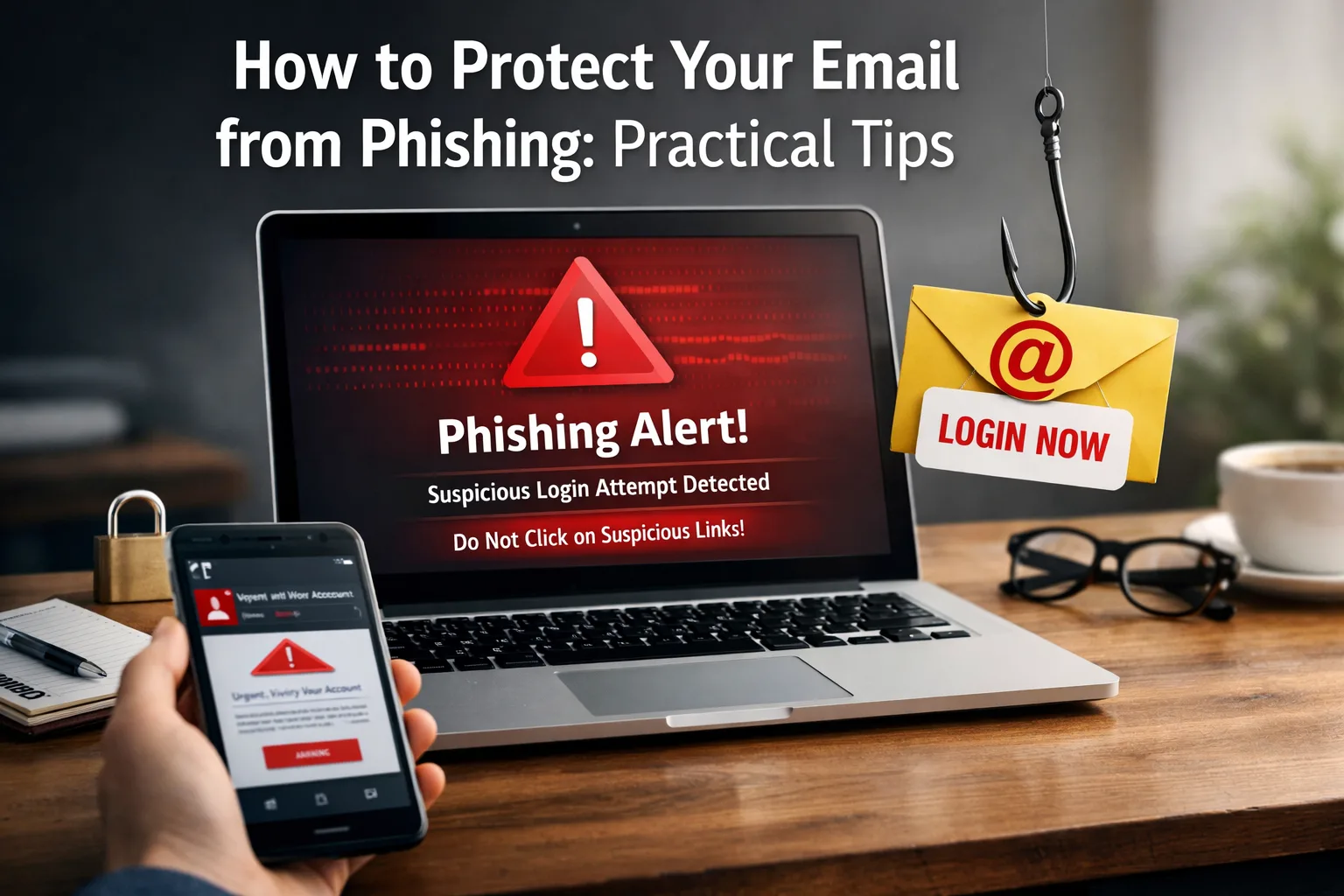
A phishing email rarely looks like "you have won a million". More often it is an invoice from a supplier you seem to know, a parcel notice or a message from the accountant with an archive called "statement". People open it because it looks like ordinary work.
Below are typical examples, a simple check anyone on the team can do, and the settings that remove most of the risk.
Check the full sender address, hover over links before clicking and confirm any change of bank details by phone. On the technical side, SPF, DKIM and DMARC on your domain, a spam filter and two-factor login to your email do most of the work.
The emails small businesses get
- "DHL: your parcel is on hold, pay a €1.99 redelivery fee" with a link to a lookalike site;
- "Your bank account has been suspended, confirm your details" with a familiar bank logo;
- an email from a supplier with new bank details, written not by the supplier but by someone on a similar address;
- an "Invoice" or "Statement" in a .zip or .html attachment, or a document asking you to "enable content";
- "Your mailbox is full, log in so you don't lose messages".
The third one costs the most. The money goes to someone else's account and is almost impossible to get back.
How to check an email in a minute
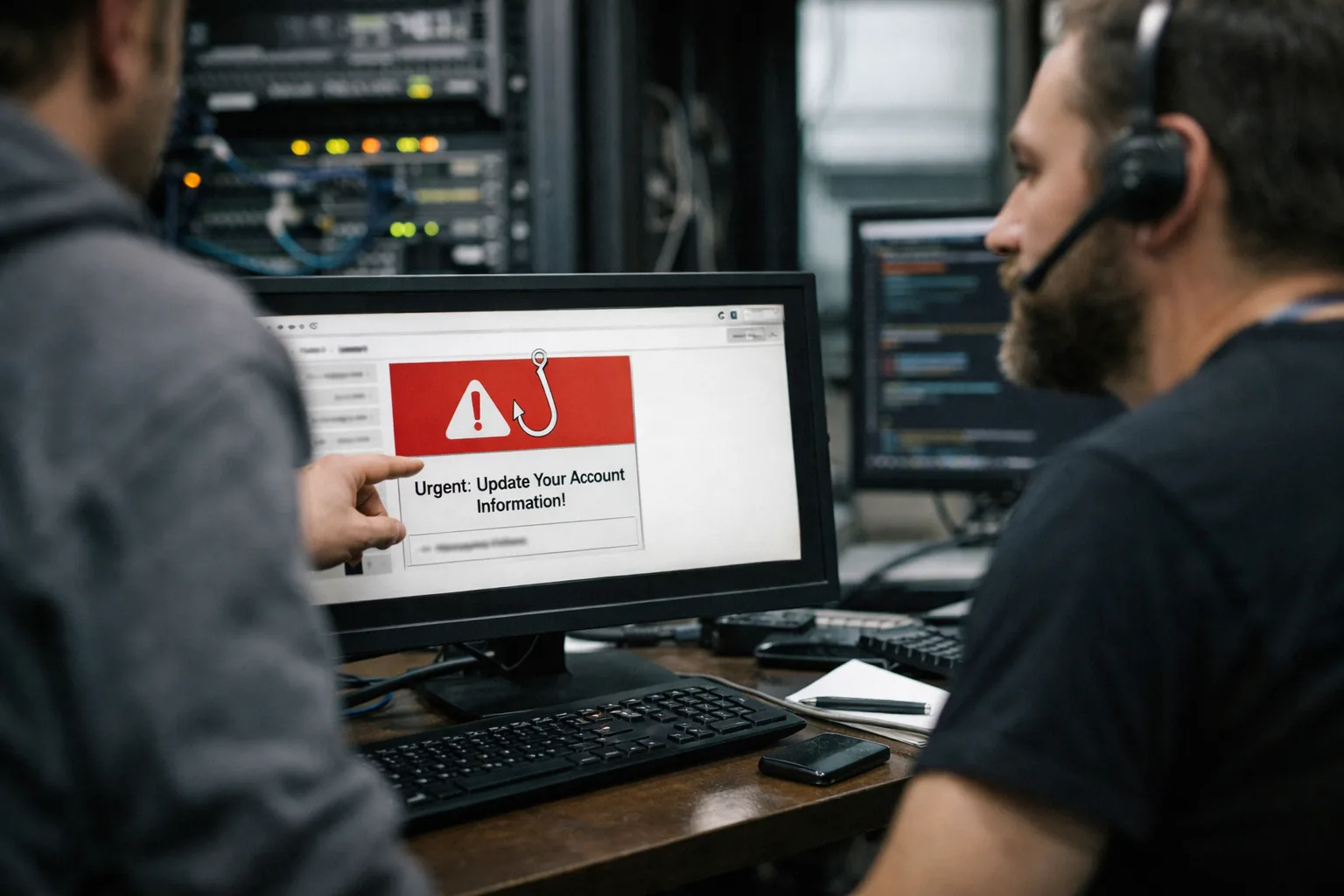
- Look at the full sender address, not only the display name. "DHL" from dhl-parcel-help.com is not DHL.
- Hover over the link and read the address at the bottom of the screen. If it does not match the company's site, do not click.
- Be wary when the email pushes you: "urgent", "within 24 hours", "your account will be deleted".
- Do not open unexpected archives or .html files, even from people you know.
- Confirm any change of bank details by calling a number you already had, not one from the email.
What to set up in your email and domain
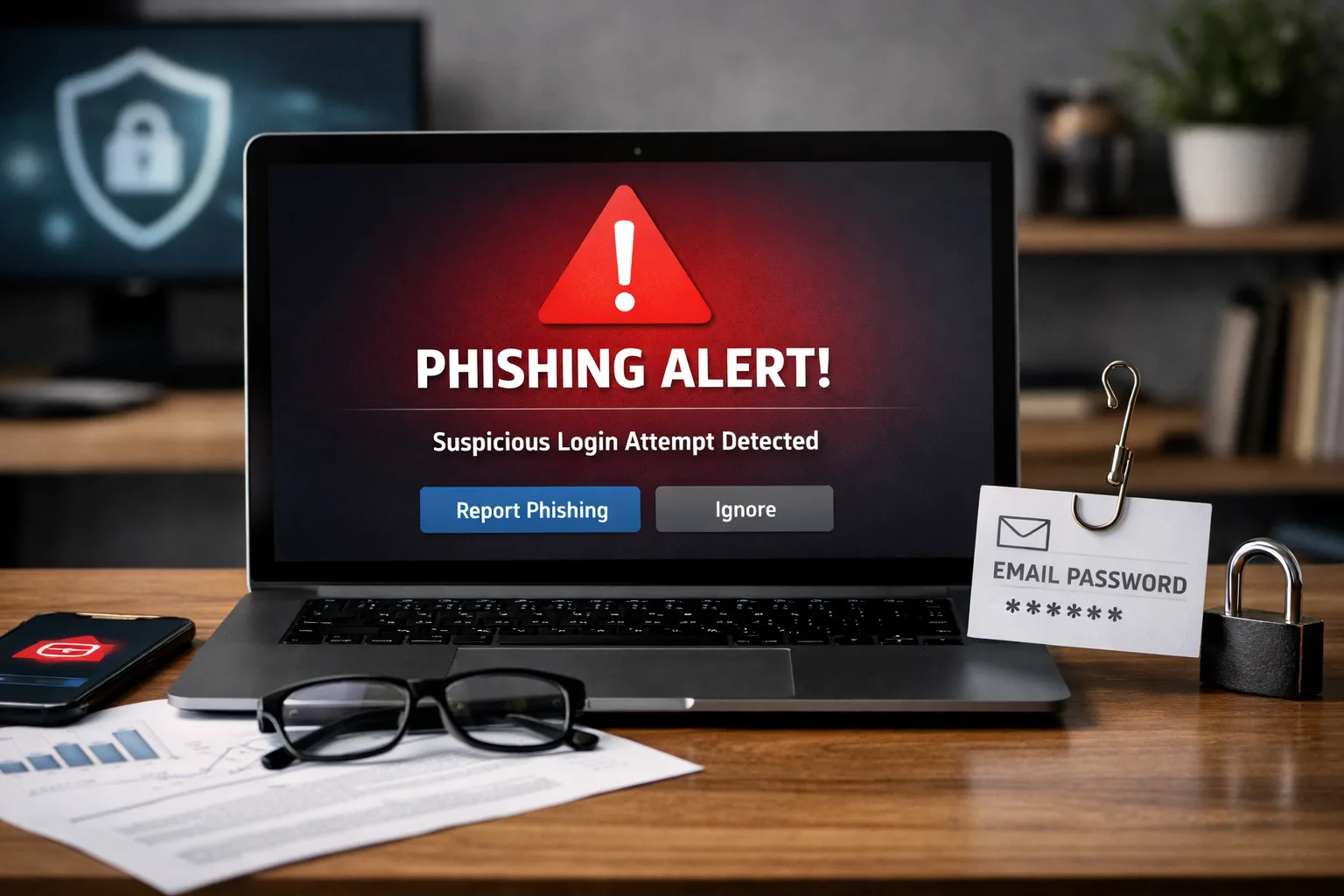
Some of the work can be handed to technology so it does not all depend on people paying attention:
- SPF, DKIM and DMARC on your domain. They stop scammers sending email in your name and help your own messages stay out of spam.
- A spam and virus filter in front of the mailboxes that checks links and attachments.
- Two-factor login to email. Even if a password leaks, nobody gets in without the code from the phone.
- Separate mailboxes for invoices and for general enquiries, so accounts only see what they need.
- A short briefing for the team every six months, using real examples of emails that reached you.
What to do if someone has already clicked
Do not blame the employee; act fast:
- Change the email password straight away and end all active sessions.
- Check the mailbox forwarding rules. Attackers often add a silent rule forwarding mail to their own address.
- If card or bank login details were entered, call the bank and block the card.
- If a payment went to fake bank details, tell the bank immediately: sometimes the transfer can still be stopped.
- Warn colleagues and customers if emails may have gone out from your mailbox.
When to call in a specialist
Talk to an IT specialist if you are not sure whether SPF, DKIM and DMARC are set up, if phishing has already been sent from your address, if a mailbox was taken over, or if phishing gets through every day despite the filter.
We can check your email and domain, show which messages get past the filter and fix the settings. You get the price and timeline before any work starts. If you also want to protect your website, start with monitoring and backups.
Frequently asked questions
Is antivirus on the computer enough? +
No. Antivirus catches harmful files, but an email linking to a fake login page often slips past it. You need filtering at the email level, two-factor login and attentive people.
How long does setting up SPF, DKIM and DMARC take? +
Usually a few hours of work, plus up to a day for the DNS changes to take effect. After that it is worth reading the DMARC reports for a few weeks.